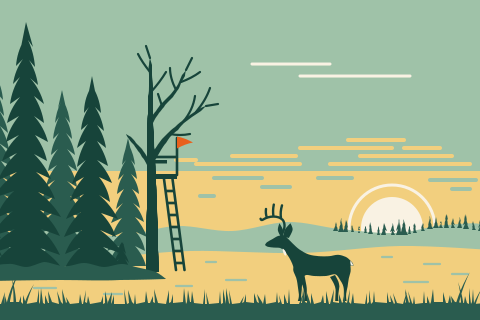
Hunting
From the stand to the harvest
Mark your blinds and stands as spots, log each hunt as a trip with notes on what you saw, and record every harvest.
Hunting · Fishing · Maple sugaring
A private journal for the woods, the water and the sugar bush. Log every trip, harvest and favorite spot on a real map, with photos and notes, even where there's no signal.
Coming soon for iPhone, iPad and Android. No account needed to start.
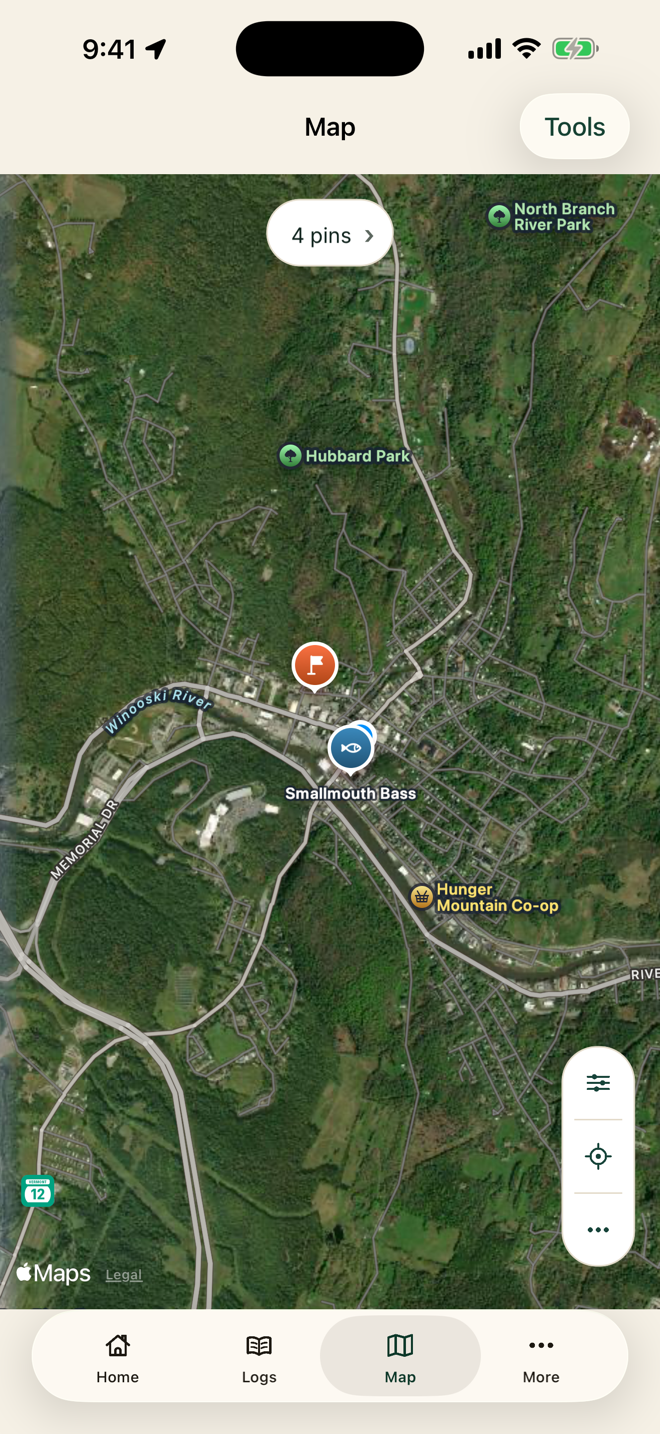
Works with no signal
One book, every season
Gordie's Field Book began as a private journal for a grandfather who hunts, fishes and taps maple trees for his own syrup. It keeps the whole year in one place.
Hunting
Mark your blinds and stands as spots, log each hunt as a trip with notes on what you saw, and record every harvest.
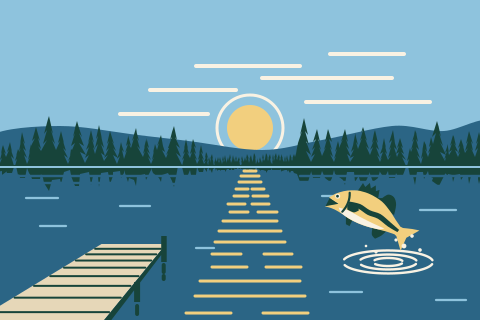
Fishing
Pin the spots that produce, note the water and what was biting, and keep a photo of the one you'll be telling stories about.
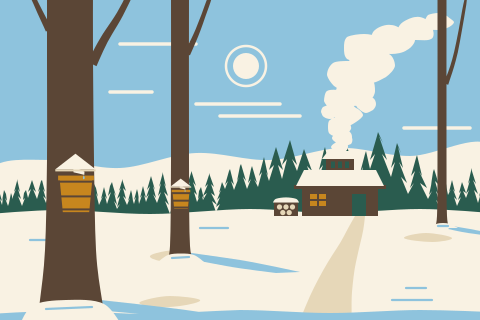
Maple sugaring
Mark the sugar bush and the trees you tap, jot down sap runs and boil days, and keep a record of each season's syrup.
What's inside
Simple records, a real map and your own photos. No feeds, no clutter.
Your saved spots, harvests and trips stay on the map with no signal, and Guide Me There still points the way. Map imagery fills in when you're back in range.
Three simple records: where you went, what you brought home and the places worth coming back to.
Add photos, videos and private notes to any trip, harvest or spot, from the first fish of spring to the last boil of the season.
No account, no ads and no tracking. Your journal stays on your device unless you choose to back it up.
Sign in with Google, or with Apple on iPhone and iPad, to back up privately and keep your devices in step.
Log each visit to a spot, from checking a trail camera to boiling sap. Record a trip's route while the app is open, let Guide Me There point you back to any spot, check the forecast (US only) and export spots and routes as GPX.
A look inside
Clear screens and plain words, built to be used out in the field.
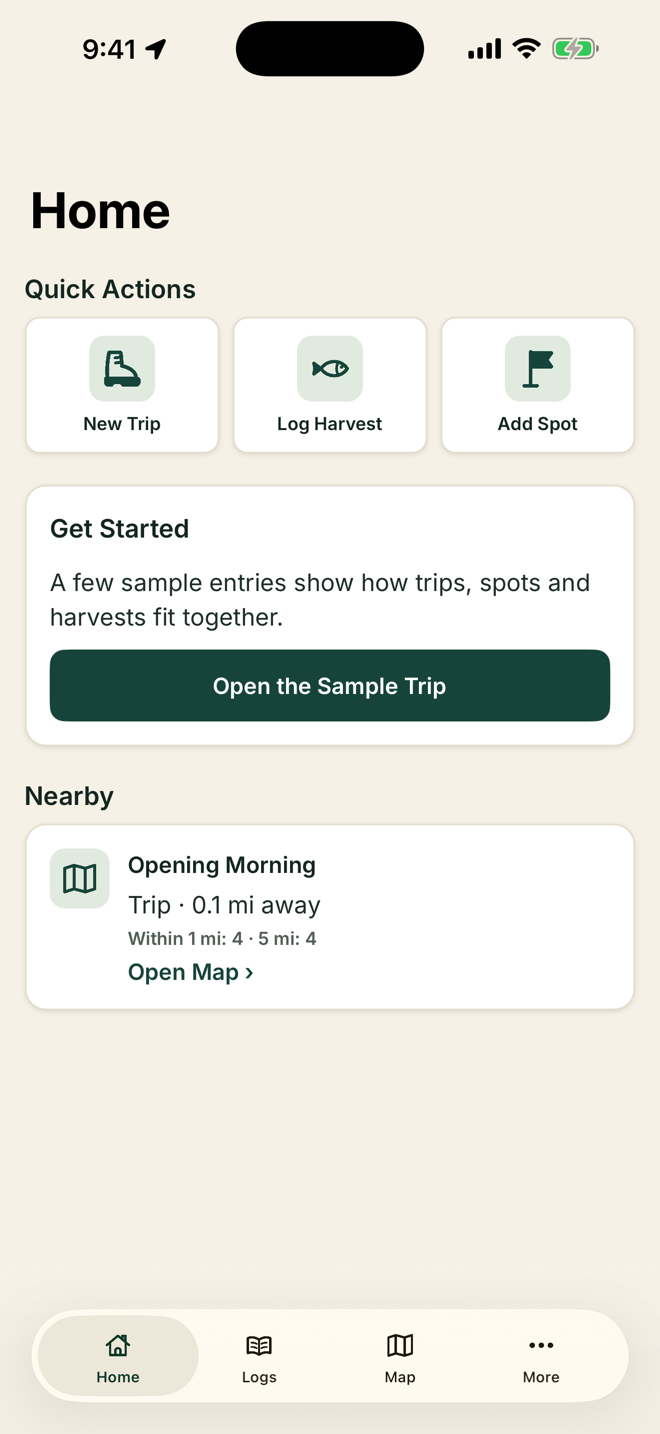
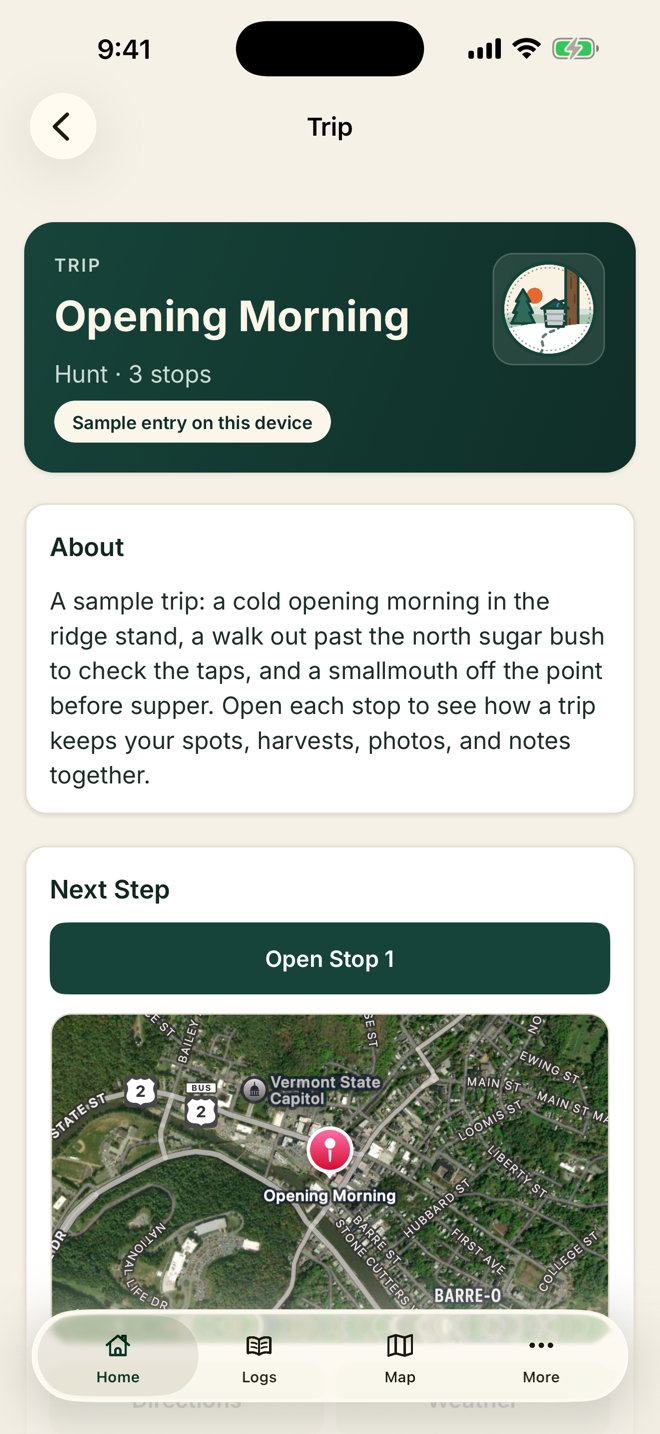
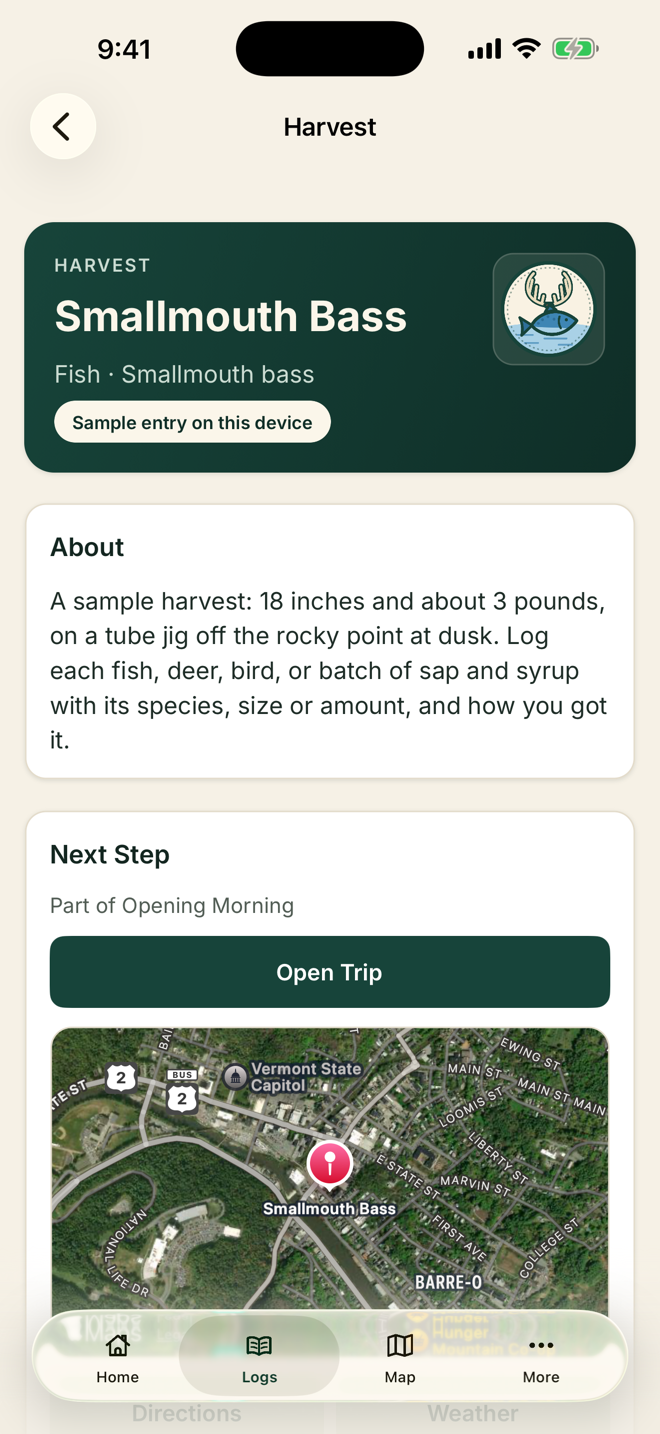
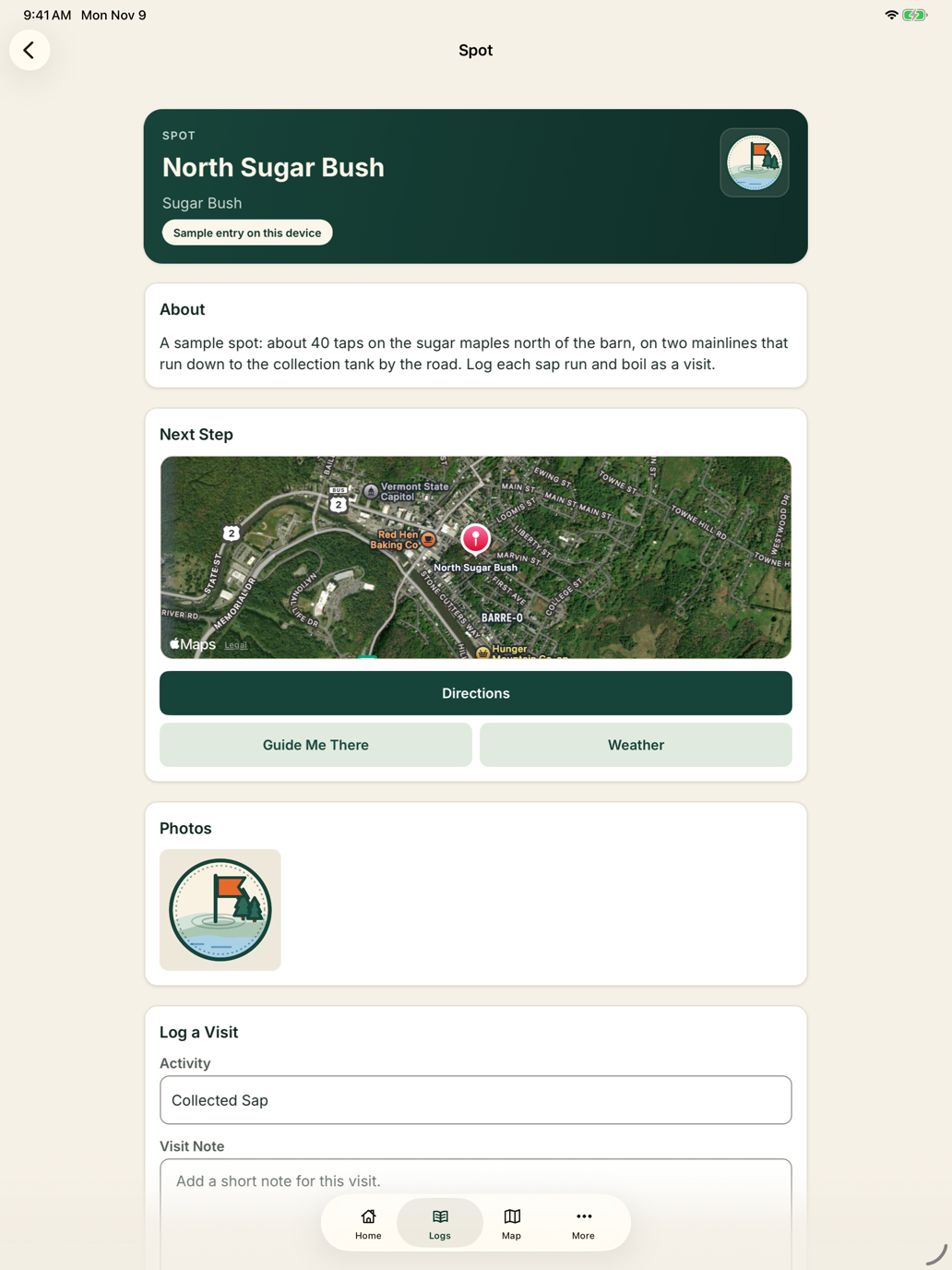
The same field book on iPad, with more room for the map and your notes. Sign in with the same account on both, and your phone and tablet stay in step.
Private by default
Gordie's Field Book is a journal, not a social network. There are no ads or trackers, and your entries are never sold or made public.
Your journal works on your device from the first launch, with or without signal.
Optional sign-in backs up your journal over HTTPS to private cloud storage and syncs your devices.
Delete your account in the app under More > Settings > Account, or online for Google accounts. That erases its trips, harvests, spots, photos and videos from our servers and from the devices signed in to it. To stop syncing and keep your journal on your device, sign out instead.
No. Every part of the journal works without signing in. Sign-in is only for optional backup and sync.
Yes. Log trips, harvests and spots, record a route and use Guide Me There anywhere, and your saved pins stay on the map. Map imagery, weather and directions need a connection. If you're signed in, changes sync when you're back online.
Only you. Entries stay on your device, and if you sign in to back up, they're stored privately for your account. We never make them public or share them. Share on an entry sends only a short line of text, without its location or notes, and only when you use it.
Sign in on both phones with the same account: More > Settings > Account > Sign In. Your trips, harvests, spots, photos and videos come along. Sign in with Apple is only on iPhone and iPad, so use Google to move between iPhone and Android. Without an account, entries stay on the phone where you made them. The support page has step-by-step help.
Gordie's Field Book is coming soon to the App Store and Google Play. Store links will appear on this page as soon as it's available.
Get the app
Coming soon to the App Store and Google Play.